Hold
Hold the wide mic key to start Wispr Flow.
A labeled Work Louder Codex Micro layout, plus the guarded one-cell keymap edit that makes the microphone key visible to Wispr Flow.
The six agent keys follow the first six pinned tasks. The remaining controls handle navigation, capture, memory, voice, and sending. Every label names the outcome, not the implementation.

Hold the wide mic key to start Wispr Flow.
Dictate into the active Codex composer and release when the prompt is complete.
Send the prompt, jump into a pinned agent, capture an Appshot, save context to Brain, or navigate with the dial and joystick.
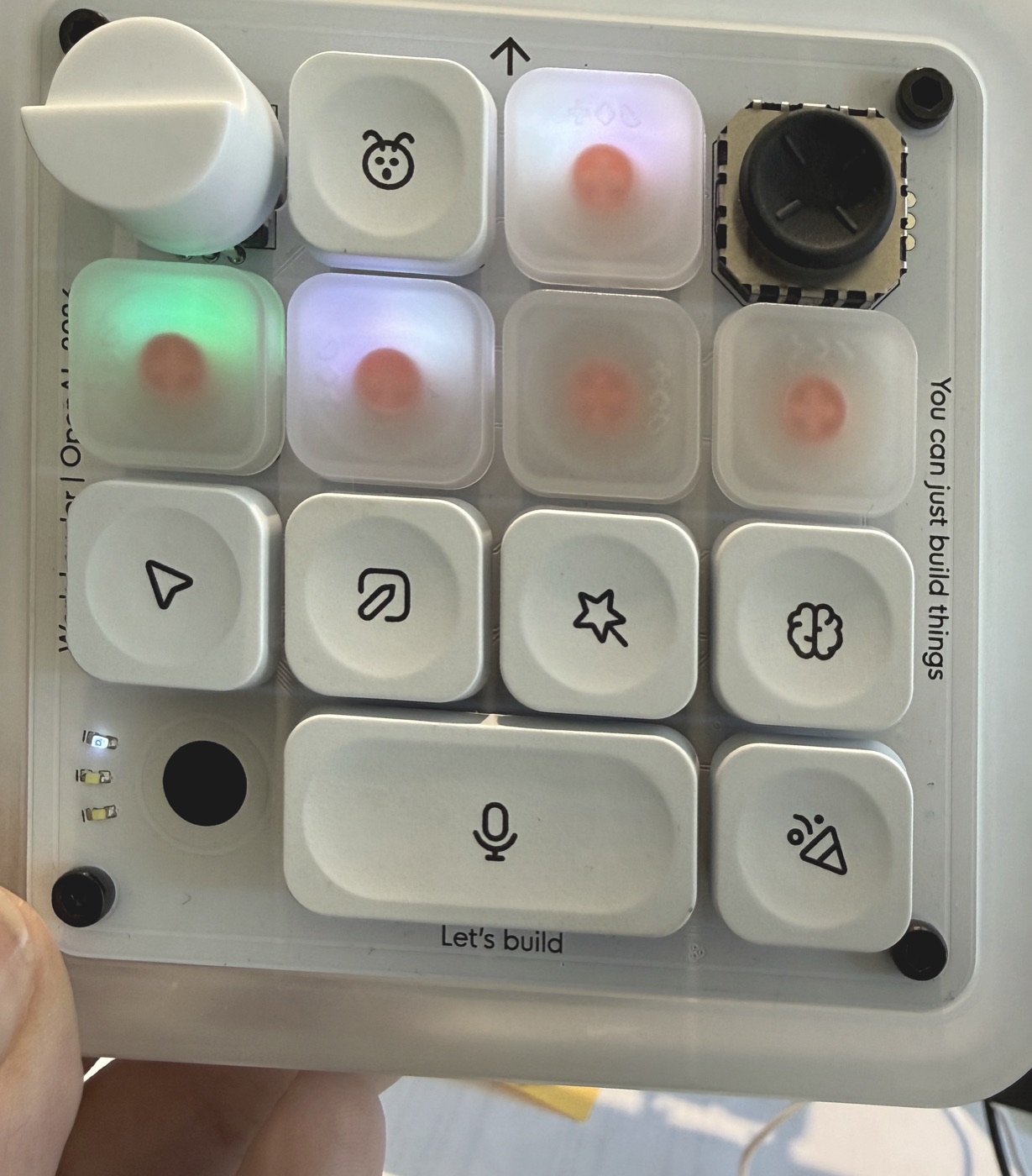
This is a real Work Louder Codex Micro, not a rendered stand-in. The map combines the live Codex layout with the current pinned-task order, so every verified physical assignment is shown in plain language.
The six agent keys are dynamic: changing the first six pinned tasks changes which conversations those keys open.
The microphone behavior required a small interoperability fix because Wispr Flow could not see the Micro's original native mic event. See the custom microphone setup →